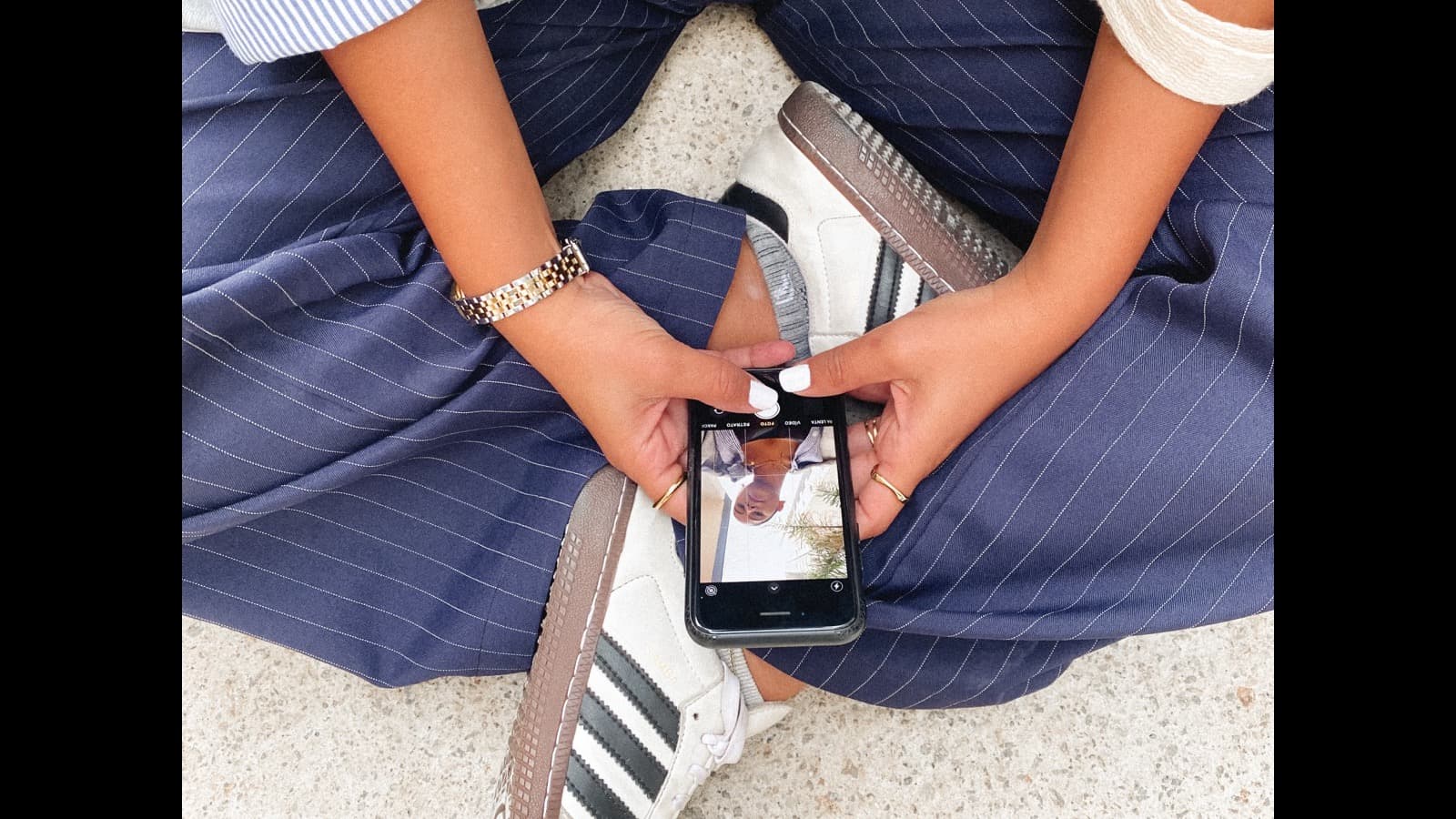
"Just delete the apps" is the worst advice anyone can give a content creator, because your phone is your office, your factory, and your storefront. But there is a difference between working on social media and drowning in it — and creators are uniquely exposed to the second one. The fix is not abstinence; it is structure: separate work from scrolling, batch your consumption, and rebuild the attention your content creation actually depends on. Here is a digital wellness system designed for people who cannot quit the feed.
TL;DR: Creators can't quit social media — it's the job — so build structure instead of abstinence. Separate "work mode" from "scroll mode" (different devices or accounts), batch content consumption into 2–3 fixed 20-minute windows a day, do a notification audit so only humans ping you, and protect one phone-free hour before bed. Track your screen time weekly like a business metric: if your scroll time exceeds your create time, something is broken. The goal is not less phone time in total — it's less automatic phone time.
The creator-specific problem
Most people use social media recreationally; you use it professionally. That sounds like an advantage — and it is, until it isn't. The same feed that pays your bills is the one that steals your attention, triggers your comparison reflex, and keeps you "on" 24/7. Three things make creators more vulnerable than the average user:
- Work and leisure are the same app. Your job is also your addiction vector. There is no "work phone vs. home phone" boundary because it is literally the same screen.
- The algorithm optimizes your feed, not your wellbeing. Engagement is the metric; your anxiety is just a side effect the system doesn't measure.
- Comparison is built into the career. Every scroll shows you someone at your exact stage doing better — because the algorithm knows that content keeps you watching.
The result is a slow-motion problem: attention fragments, creative energy drains, and the hours you spend "researching" or "engaging" quietly become hours of autopilot scrolling. You don't need a detox; you need to stop the bleed so your best ideas have room to exist.
The real cost of chronic scrolling
Before the system, the motivation. What does constant, unbounded screen time actually cost a creator?
- Attention fragmentation. Every notification and tab switch trains your brain to expect novelty every few seconds. Deep work — writing, scripting, editing, thinking — requires sustained focus, and sustained focus is exactly what fragmented attention kills.
- Creativity drain. Ideas come from boredom, walks, and unstructured thought. When every spare moment is filled with input, your brain never gets the idle time it needs to make connections. The creators with the best ideas are rarely the ones with the most screen time.
- Anxiety and comparison. Studies keep finding the same thing: passive scrolling — watching others' highlight reels — correlates with worse mood. For creators it is doubly loaded, because you are not just watching; you are benchmarking your career against a curated feed.
- Physical burnout. The always-on posture of a creator — checking comments at midnight, monitoring a live at 2 AM — keeps your nervous system in a low-grade stress state that compounds into real burnout.
None of this means social media is evil. It means unstructured social media is a leak in your energy budget. The system below patches the leak.
Separate work mode from scroll mode
The single highest-leverage change: make work and scrolling physically different experiences. The brain runs on context, and if the same device, same app, and same position are used for both, the boundary collapses. Three ways to build it:
- Two devices if you can afford it: a phone for creating (camera, editing, posting, replying) and a cheap second phone or tablet for consumption. Even an old phone on Wi-Fi works. The friction of picking up a different device is enough to interrupt autopilot scrolling.
- Two apps if you can't: use the official app for posting and a separate client (or the web version) for scrolling. Log out of the official app on your personal device, or use an app like Opal or One Sec that adds a mandatory pause before opening.
- Two accounts, always: a professional account for your content and a personal account with a deliberately curated, positive-only follow list — no competitors, no "how I made $50k" accounts, just friends, hobbies, and things that make you smile. When you feel the pull to scroll recreationally, you scroll the other account.
The principle is friction. Autopilot scrolling survives zero friction; it dies the moment you have to make a choice. Every boundary you add is a chance for your conscious brain to say, "Wait — do I actually want to do this?"
Batch your consumption: the 20-minute windows
Creators need to know what's happening in their niche — that is legitimate research, not a vice. The problem is when research bleeds into hours. The fix is scheduled, time-boxed consumption:
- Choose 2–3 fixed windows a day — for example 9 AM, 1 PM, and 6 PM — of maximum 20 minutes each. During a window, you consume with intent: check your niche's trends, save ideas, reply to comments that need replies.
- Set a timer. Not a mental timer — an actual timer on your phone. When it goes off, you close the app. The first week is uncomfortable; by week two, the windows become a habit your brain expects.
- Keep a capture system. During your windows, save everything interesting to a single place — a notes app, a bookmark folder, a screenshots album. This does two things: it makes your consumption productive, and it stops the "I need to keep looking so I don't miss it" anxiety, because nothing is missed; it's captured.
The test for whether a scroll session is work or procrastination: can you name what you were looking for? If you opened the app with a goal ("check the new trend format," "reply to yesterday's comments"), it's work. If you opened it without one and thirty minutes later you're watching a video you don't care about, it's autopilot — and autopilot only happens in the time you didn't schedule.
The notification audit
Notifications are the strings the platform pulls. Every ping is a tiny interruption that steals 20–60 seconds of attention, and creators get pinged far more than normal users — comment replies, DMs, live reminders, analytics nudges. Here is the 20-minute audit:
- Open Settings → Notifications on every platform app.
- Kill everything except direct messages and mentions. Likes, comment replies on posts you're not part of, "someone you follow posted," live reminders, and every single "trending" alert go off.
- For email: only human mail. Turn off all marketing notifications and platform digests. A real client email is a notification; a weekly report is a thing you check on your schedule.
- Move the remaining apps to a second home-screen page or a folder so your first screen shows only your camera, calendar, notes, and other tools.
The result: your phone stops talking to you unless a human is talking to you. The average person gets 50–80 notifications a day; creators can get triple that. Cutting it to 10–15 real ones restores hours of attention and removes the low-grade anxiety of being "always reachable."
Protect the sleep window
The most impactful single rule for creators: no feeds in the last hour before bed. Not because screens emit blue light (that's manageable) but because feeds are designed to keep you engaged, and a racing, comparison-filled brain does not sleep well. The hour before bed is when the day's anxiety peaks for most creators — checking "how did the video do" at 11:30 PM is how you don't sleep.
Replace it with anything else: reading (paper or e-ink), a walk, stretching, journaling, or simply planning tomorrow. If you must use the phone, use it for creation — jotting ideas, planning tomorrow's post — not consumption. This one boundary pays off immediately in sleep quality, and sleep is the foundation of both creativity and emotional resilience. Bonus: your video's performance will still be there in the morning, and you'll check it with a rested brain that doesn't spiral.
Track it like a business metric
You track your views, your RPM, your email open rate. Track your screen time the same way — because attention is the raw material of your business. Once a week, spend two minutes reviewing your screen-time report (both iOS and Android have built-in tools):
| Metric | Healthy creator range | What it means |
|---|---|---|
| Total screen time | Under ~5h/day | You're using the phone, not the other way around |
| Scroll (consumption) vs. create time | Create ≥ scroll | You're producing more than you're consuming |
| Pickups per hour | Under 10 | Attention isn't fully fragmented |
| Time in "work" apps vs. "feed" apps | Work apps dominant | Boundaries are holding |
The goal is not a specific number — creators legitimately spend more time on phones than the average person, and that's fine. The goal is direction: scroll time trending down, create time trending up, and pickups trending down week over week. If your screen time keeps climbing, shrink your consumption windows by one. If it's stable, you're good — stop optimizing and go make something.
Five warning signs your screen time is running you
Before the system can help, you need to know if you have a problem. These are the five signs that unstructured screen time has taken over — and that a structured approach will pay for itself within a week:
- You check your analytics more than twice a day — and the check is never neutral. You feel a spike of dopamine or a drop of dread, and the rest of your mood follows. Analytics are a weekly review, not a feed.
- You open an app without remembering deciding to. If your hand reaches for TikTok while the kettle boils, that's autopilot — your habit loop, not your choice.
- You can't do a 20-minute wait without a phone. Queue at the store, ad break, elevator: you pull out the phone immediately. Boredom tolerance is the muscle that screen time atrophies, and it's also the muscle creativity needs.
- Your best ideas arrive at 3 AM — because daytime never leaves you idle long enough for them to surface. If all your idea-jotting happens in bed, your attention budget is overspent during the day.
- You feel guilty about your screen time but change nothing. Guilt without a system is just more noise. If this is you, you don't need more motivation — you need the structure above.
If three or more of these feel personal, treat this article as a to-do list, not a suggestion. Start with the notification audit and the 20-minute consumption windows — they're the two changes with the fastest payoff.
A weekly digital wellness audit
Once a week — Sunday evening works — run a 10-minute check:
- Review the screen-time report from the past week. Note the worst day and what caused it.
- Unfollow five accounts that made you feel worse than they informed you. Curate aggressively; your feed is a diet, not a buffet.
- Check your notifications: did anything sneak back on? Re-kill it.
- Plan one offline anchor for the week ahead — a walk, a gym session, a meal with a friend, an afternoon with the phone in another room. Schedule it like a brand deal, because it is just as important.
- Check your bio links and profiles — while you're at it, make sure your link-in-bio is consolidated. Every platform you send people to is another place you feel obligated to check; one clean hub (your socials, your latest video, your newsletter) means one less thing to maintain and one less source of ping anxiety.
That's ten minutes that compounds into a fundamentally calmer relationship with your own career.
The bottom line
Digital wellness for creators is not about escaping your phone — it's about making your phone work for you instead of the reverse. Separate work from scrolling, time-box your consumption, kill the notifications that don't come from humans, protect your sleep window, and track your attention like the business asset it is. You don't need a detox; you need a system. The ideas, the calm, and the energy you get back are what your next viral video is actually made of.
Your attention is the raw material of your content — guard it with the same discipline you guard your upload schedule.